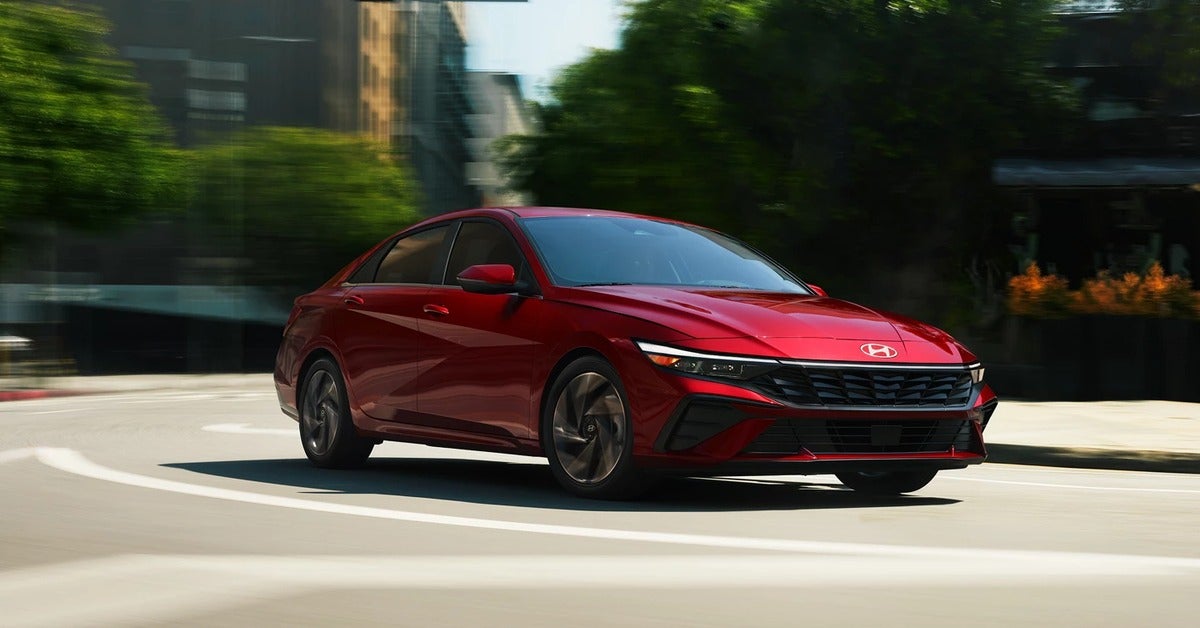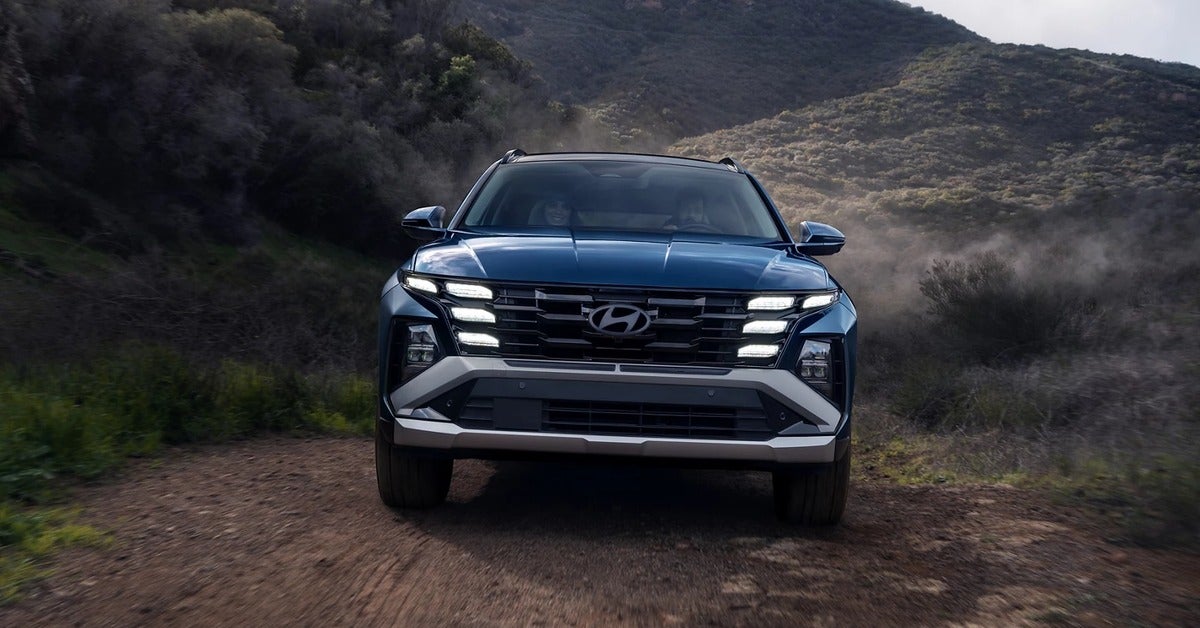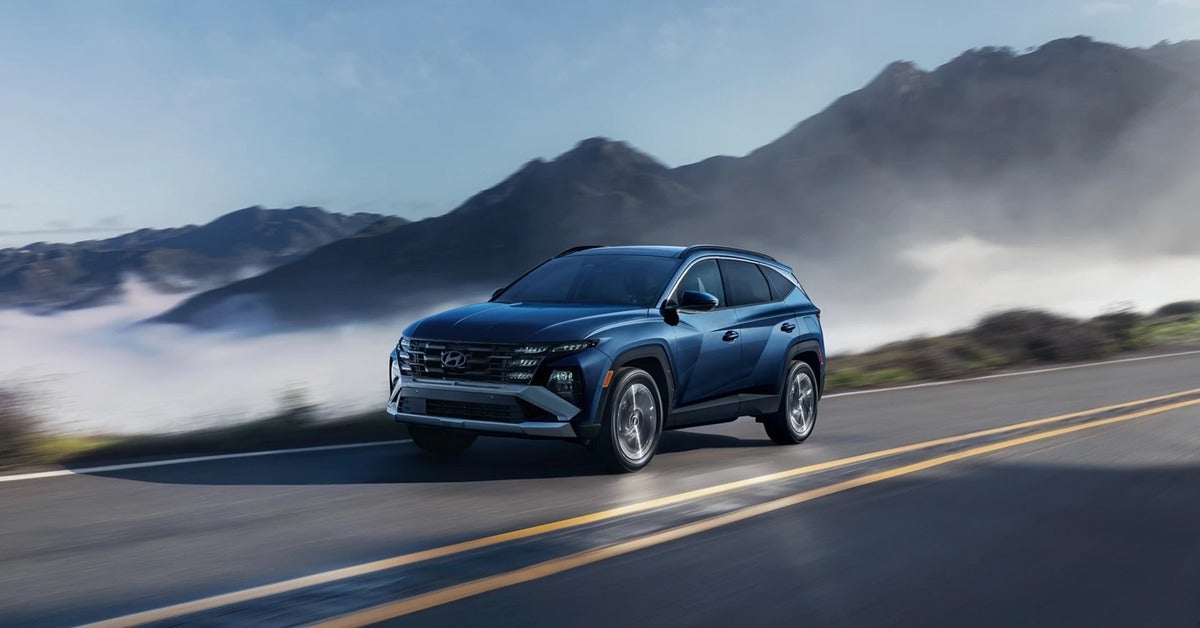



A last-minute stop on Memorial Parkway, a child stepping toward a neighborhood street, a rainy drive home from Redstone Arsenal - these are the moments when a vehicle’s safety technology needs to be useful, not distracting. Hyundai safety features are designed to add awareness and help drivers respond to changing conditions, whether you are commuting across Huntsville, loading up for a family trip, or navigating a crowded parking lot.
The key word is help. Driver-assistance technology can provide warnings, braking support, and steering assistance in certain situations, but it does not replace an attentive driver. Understanding what each feature does, where its limits are, and which systems are included on the specific Hyundai you are considering makes it easier to shop with confidence.
What Hyundai Safety Features Do for Everyday Drivers
Many newer Hyundai vehicles offer Hyundai SmartSense, a collection of available driver-assistance technologies. The exact equipment varies by model year, trim level, and vehicle, so shoppers should always review the window sticker or vehicle details rather than assume every feature is standard.
At the heart of the package is a network of cameras, radar, and sensors that monitor areas ahead of, beside, and sometimes behind the vehicle. These systems can recognize potential hazards and alert the driver. In certain conditions, they may also provide braking or steering support to reduce the severity of a collision or help avoid one.
That matters most in the ordinary parts of driving. A long commute can dull attention. A packed grocery store parking lot can hide moving vehicles behind larger SUVs. Highway traffic may slow faster than expected. The goal is not to make driving feel automated. It is to give the driver another layer of information at the moment it can be most helpful.
Forward collision assistance
Forward Collision-Avoidance Assist is one of the features many shoppers ask about first. Depending on the Hyundai model and configuration, it can monitor the road ahead for vehicles, pedestrians, cyclists, and other potential hazards. If it detects a risk of impact, it can issue alerts and may apply braking assistance if the driver does not react in time.
Some versions offer additional support in intersection or turning scenarios. These can be valuable tools around busy intersections, but they have limits. Weather, road layout, speed, visibility, and the angle of another vehicle can affect system operation. A driver should still look carefully before turning, even when a vehicle has advanced collision-avoidance technology.
Lane support without hands-free assumptions
Lane Keeping Assist and Lane Following Assist are designed for different jobs. Lane Keeping Assist may provide steering correction if the vehicle begins to drift out of a marked lane without a turn signal. Lane Following Assist can help the vehicle stay more centered in its lane when it can detect lane markings and conditions allow.
These features can reduce fatigue on a longer drive toward Nashville, Birmingham, or the Tennessee River, but they are not a reason to take your hands off the wheel. Faded paint, construction zones, standing water, sharp curves, and bright sun can make lane markings harder for a camera to read. The driver remains responsible for steering and staying alert.
Awareness around your blind spots and rear corners
Changing lanes is not always simple, especially when traffic is moving quickly. Blind-Spot Collision Warning can alert a driver when another vehicle is detected in a blind-spot area. On select models, Blind-Spot Collision-Avoidance Assist may provide braking support in certain lane-change situations.
Rear Cross-Traffic Collision-Avoidance Assist is particularly useful when backing out between large vehicles. It can monitor for cross traffic approaching from either side and warn the driver. In some circumstances, it may apply braking support. It is a helpful backup for rearview cameras and careful shoulder checks, not a substitute for them.
Safe Exit Warning is another family-friendly feature available on certain Hyundai models. It can alert occupants if it detects traffic approaching from behind when a door is about to be opened. For parents helping children exit on a street or drivers parking along a busy curb, that extra reminder can make a practical difference.
Hyundai Safety Features on SUVs, Hybrids, and EVs
The right safety equipment is partly about how you use your vehicle. A compact SUV used for daily commuting may prioritize parking visibility, blind-spot monitoring, and highway support. A three-row SUV carrying a full family may make rear-seat and exit-related features feel more important. An EV shopper may want to understand how driver-assistance systems fit into a quiet, quick-responding electric vehicle.
The Hyundai Kona and Tucson are popular choices for shoppers who want maneuverability without giving up modern driver-assistance options. They can make sense for a solo commuter, a first-time buyer, or a small family that needs room for weekend plans. A rearview camera, parking sensors where equipped, and blind-spot support can be especially useful in tighter lots and garages.
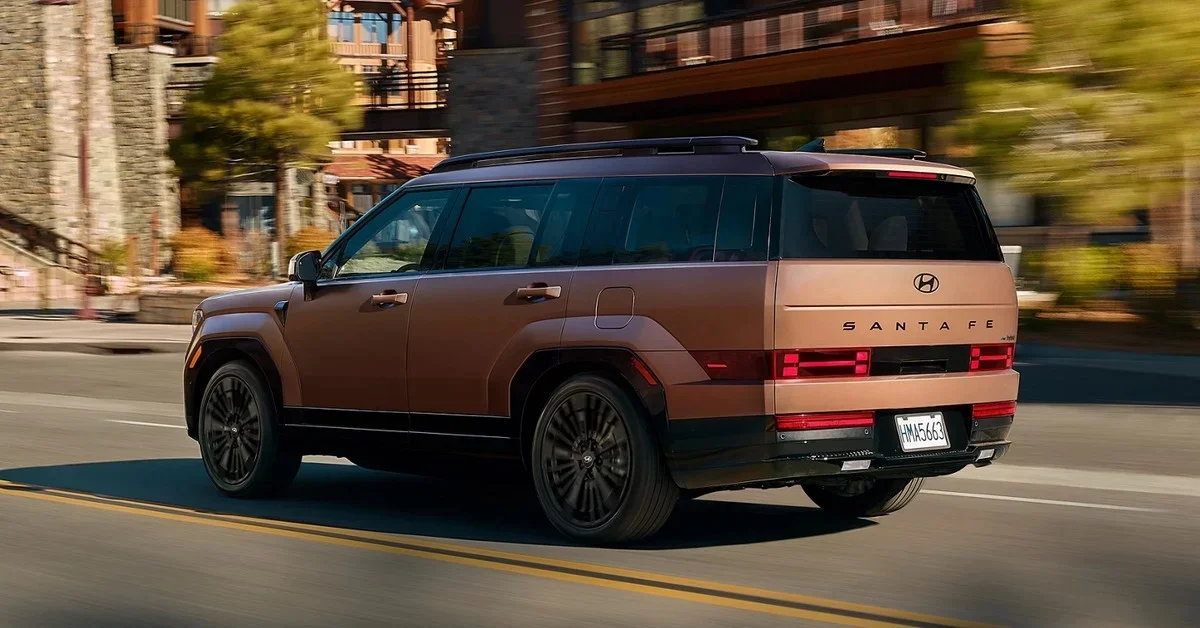
The Santa Fe and Palisade offer more room for passengers and cargo, which often changes the safety conversation. Families may focus on second- and third-row access, rear occupant reminders, available surround-view camera systems, and features that provide added confidence while merging or backing up. More vehicle size can be helpful for space, but it also makes visibility features worth close attention.
For hybrid and EV-curious shoppers, Hyundai’s electrified lineup can offer many of the same driver-assistance technologies found in gas-powered models. The IONIQ 5, IONIQ 6, IONIQ 9, and Kona Electric each bring their own size, range, and cabin considerations. Safety technology should be evaluated alongside charging needs, driving habits, and the routes you use most often.
Available Highway Driving Assist on select Hyundai vehicles combines adaptive cruise control functions with lane-centering support under certain highway conditions. It can make steady interstate driving less tiring, but it is still a driver-assistance system. The driver must watch the road, keep hands on the wheel as directed, and be ready to take control immediately.
How to Compare Safety Equipment Before You Buy
A vehicle’s model name alone does not tell the whole story. A new Hyundai may have a broader selection of current technology, while a used Hyundai can be a strong value choice with features that still fit your needs. Model year, trim level, optional packages, and prior ownership history all matter.
Start by thinking about the situations that create the most stress in your normal week. If your drive includes heavy interstate traffic, ask about forward collision assistance, smart cruise control, lane support, and blind-spot systems. If school pickup and parking lots are part of the routine, rear cross-traffic alerts, parking cameras, and rear occupant reminders may deserve more attention.
During a test drive, do more than look at a feature list. Adjust the mirrors, find the camera views, and ask a product specialist to show you how alerts appear in the instrument cluster. Notice whether the controls feel intuitive. A feature only helps if the driver understands what it is telling them and feels comfortable using it.
For a used vehicle, ask for a clear explanation of the installed equipment. Features may differ from a current model with the same name, and some systems may not have been included on every trim. A qualified inspection is also valuable. Cameras, radar units, windshields, bumpers, and wheel alignments can all affect the operation of advanced driver-assistance systems.
Keeping Safety Systems Ready to Help
Safety technology needs basic care. Keep the windshield area around the forward-facing camera clean, and clear snow, mud, or heavy debris from sensors when applicable. If a warning light appears after a minor impact, windshield replacement, bumper repair, or alignment work, schedule service promptly. Some systems may need inspection or calibration after repairs.
Tires matter, too. Proper inflation, adequate tread, and correct alignment support predictable braking and handling. Driver-assistance features work best when the vehicle itself is maintained according to Hyundai’s recommended schedule.
A test drive is the best place to turn a feature list into a real decision. Search inventory, compare the safety equipment on the Hyundai models that fit your life, and ask questions about what is standard or available on the exact vehicle in front of you. At Bentley Hyundai, the goal is to help you leave with technology you understand and a vehicle you will feel good driving long after the keys are in your hand.
Frequently Asked Questions
Do Hyundai driver-assistance features work in heavy rain on I-565?
They can, but performance may be limited. Heavy rain, fog, standing water, glare, or a dirty windshield can reduce what cameras and radar detect, and some systems may display a message and pause until conditions improve. Slow down, increase following distance, and stay in full control. Your owner's manual explains the warnings and limits for your specific Hyundai.
Can I adjust or turn off Hyundai lane keeping and warning alerts?
On many Hyundai models, drivers can adjust warning timing, volume, or certain assist settings through the vehicle settings menu or steering wheel controls, and some systems reset to on at each start. Available options differ by model and trim. Ask a Bentley Hyundai product specialist to walk you through the settings on the exact vehicle during your test drive or delivery.
Where can I compare crash test ratings for Hyundai SUVs and sedans?
The Insurance Institute for Highway Safety and the National Highway Traffic Safety Administration both publish crash test results and safety ratings online. Ratings apply to a specific model year and sometimes to certain headlights or equipment, so match the rating to the exact vehicle you are considering. Then compare that vehicle's installed driver-assistance features on the window sticker.
What should I do if a Hyundai safety system warning light stays on?
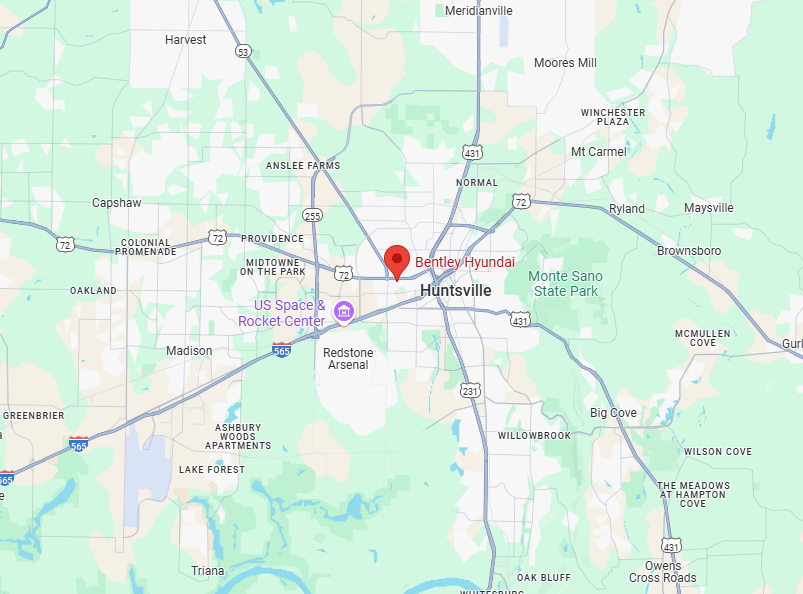
First, check whether a sensor or the windshield camera area is blocked by dirt, bugs, or pollen, which is common after Alabama summer drives. If the warning remains after cleaning and restarting, schedule a service visit. Systems may need inspection after a collision, windshield replacement, bumper repair, or alignment work. The Bentley Hyundai service department in Huntsville can check the cause.