


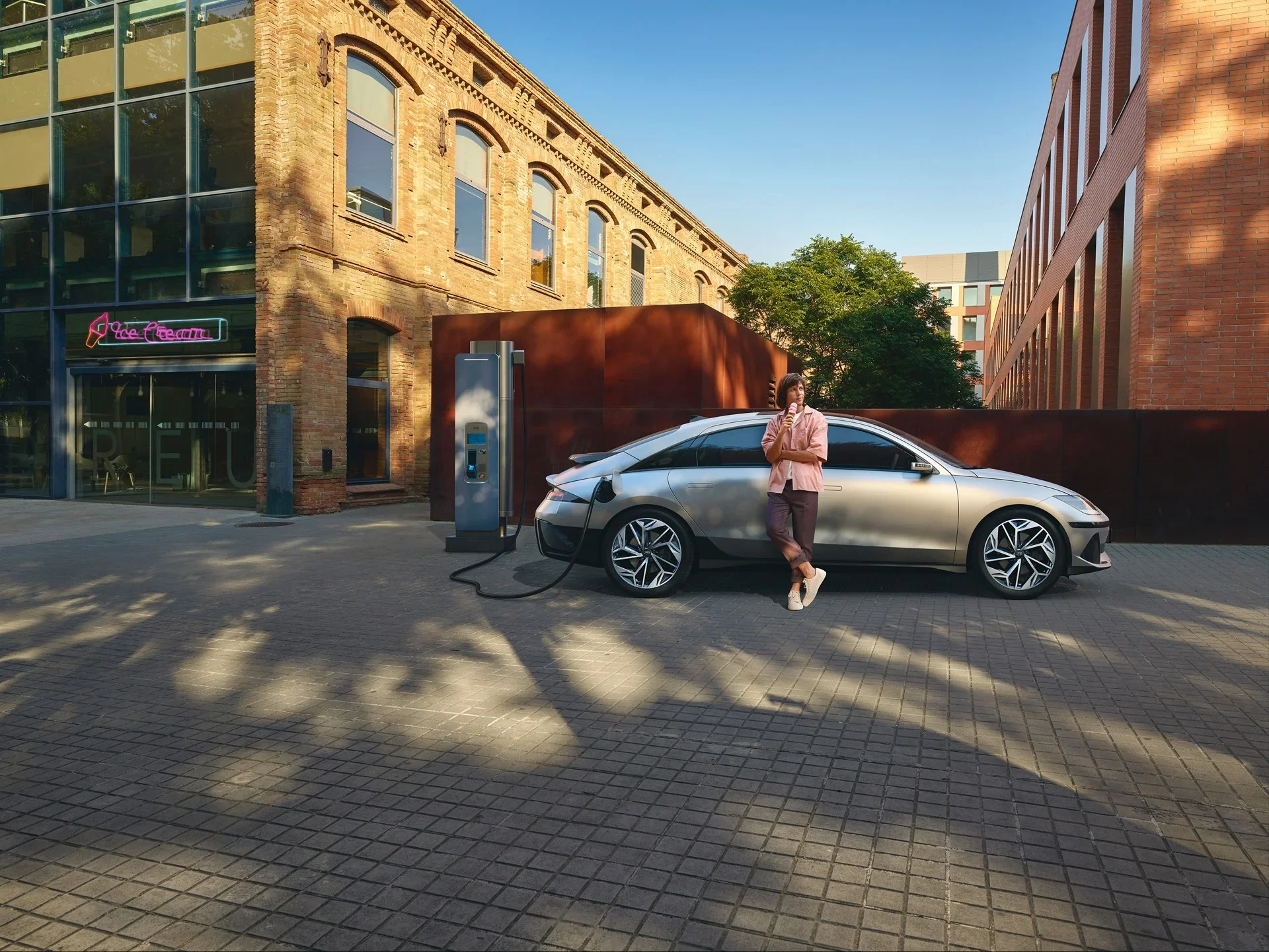
A charging stop should make a road trip easier, not leave you sorting through connector types in a parking lot. This Hyundai NACS adapter guide explains how eligible Hyundai EV owners can use compatible Tesla Superchargers, what equipment they need, and why the station itself still matters as much as the adapter.
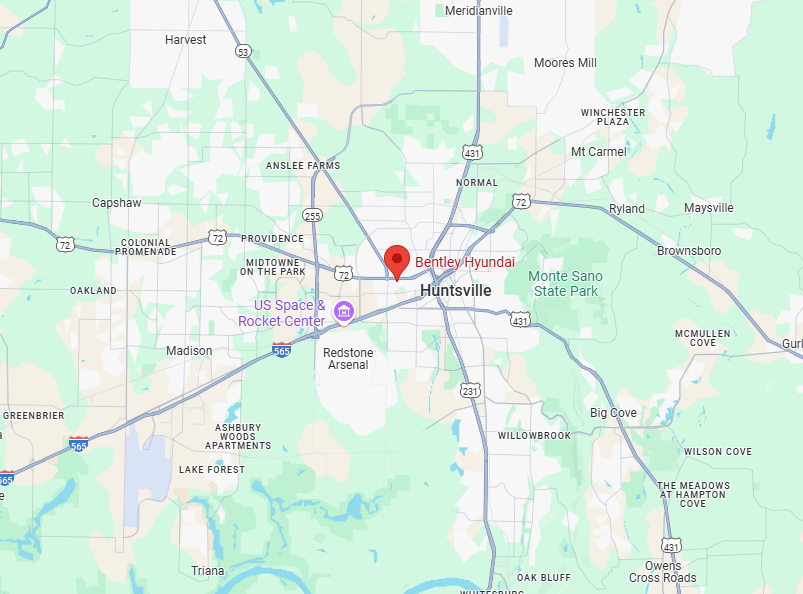
For drivers in Huntsville and North Alabama, expanded DC fast-charging access can be especially helpful on longer runs toward Birmingham, Nashville, the Gulf Coast, or family visits farther from home. The key is knowing whether your Hyundai has a CCS port or a factory-installed NACS port before you leave the driveway.
What a Hyundai NACS Adapter Does
NACS stands for North American Charging Standard, the connector design used at Tesla charging locations and increasingly adopted by automakers. A Hyundai NACS DC fast-charging adapter allows certain Hyundai EVs equipped with a CCS charging inlet to connect to select compatible Tesla Superchargers.
That wording matters. An adapter does not automatically make every Tesla charger available. Hyundai access depends on the specific Supercharger location being opened to Hyundai vehicles, the vehicle's charging compatibility, and the charging network's current activation status. Always use the vehicle's navigation system or the appropriate charging app to confirm a station before building a trip around it.
The adapter is designed for DC fast charging. It is not the same item as an adapter for Tesla Level 2 destination chargers. Those chargers use a different setup and deliver electricity more slowly. If your goal is a quick highway charging stop, confirm that you are looking at a compatible Supercharger and using the proper Hyundai-approved DC adapter.
Which Hyundai EVs Need a NACS Adapter?
It depends on the model year and charging port installed on your vehicle. Earlier Hyundai EVs with a CCS port may use an approved NACS-to-CCS adapter for eligible Supercharger access. Examples can include qualifying versions of the IONIQ 5, IONIQ 6, Kona Electric, and other Hyundai battery-electric vehicles, subject to Hyundai's current program details.
Newer Hyundai EVs may come with a native NACS port instead. In that case, a NACS adapter is generally not needed to connect to a compatible NACS fast charger. However, you may need a separate adapter to use older CCS public fast chargers. The port on the vehicle, not simply the model name, determines what you need.
Before purchasing or using any adapter, check your owner's manual, Hyundai account information, and vehicle identification details. Hyundai has offered adapter programs for qualifying owners at different times, and eligibility can vary by purchase date, model, and program terms. If you have questions about your specific vehicle, the EV team at Bentley Hyundai can help you identify the correct equipment before you plan a long drive.
Do not use an unapproved adapter
A low-cost third-party adapter can look nearly identical to an approved one, but charging hardware must manage high voltage, high current, heat, and communication between the vehicle and charger. An adapter that is not approved for your Hyundai can create charging errors, damage equipment, or affect warranty coverage.
Use the Hyundai-supplied adapter when available, or confirm that any replacement is expressly approved for your model and intended for DC fast charging. Never force a connector that does not seat easily or try to modify the adapter. If the connector, cable, or port is damaged, choose another station and schedule service.
How to Charge at a Compatible Supercharger
Your first NACS charging session is straightforward when you arrive prepared. Start by confirming the Supercharger is open to your Hyundai and that your vehicle is listed as supported in the charging app or Hyundai's route-planning tools. Charger access can vary by site, even within the same area.
Park so the charging cable reaches your vehicle without being pulled tight. Tesla charging cables at some stations were designed around a different charge-port location, and a neighboring stall may occasionally be more practical. Be considerate of other drivers and avoid blocking extra spaces when possible.
With the vehicle in Park, inspect the cable, charge port, and adapter for visible damage. Attach the NACS connector to the adapter first, then connect the adapter to your Hyundai's CCS inlet until it is fully seated. Follow the app's instructions to begin the session. The charger and vehicle will communicate before charging starts, so give the system a moment rather than disconnecting and reconnecting repeatedly.
Monitor the session for the first few minutes. You should see charging status on the vehicle display, charger screen, or app. If charging fails to start, reseat the connection once, check the app for a message, and try another compatible stall if one is available. A station issue is not always a vehicle issue.
When you are finished, end the charging session in the app or at the charger as directed. Disconnect carefully, remove the adapter, and store it in its case. Do not leave the adapter attached to the cable or on the ground where it can be damaged, driven over, or taken by mistake.
Plan Around Charging Speed, Not Just Station Count
More charger locations are valuable, but a practical trip plan still considers battery level, weather, elevation, traffic, and the amount of time you have. Cold temperatures can reduce available range and affect charging performance. Fast highway speeds, heavy cargo, or a full vehicle can do the same.
For most road trips, it is better to arrive at a DC fast charger with a reasonable battery reserve than to stretch the final miles for the lowest possible state of charge. Hyundai EV navigation can help prepare the battery for fast charging on supported models when a DC charger is selected as the destination. That preparation can reduce charging time, particularly in cooler conditions.
You also do not usually need to charge to 100% at every stop. Charging often slows as the battery gets closer to full, so shorter stops can be more efficient when another compatible fast charger is available ahead. The right strategy depends on your route, your vehicle's estimated range, and the reliability of chargers along the way.
Keep a backup option on every trip
NACS access gives Hyundai drivers more choices, but it should not be your only plan. A charger can be occupied, temporarily offline, or less conveniently located than expected. Build a backup stop into your route using a CCS fast charger or another compatible location.
It also helps to carry the charging equipment your vehicle may need for different situations. For many owners, that means the portable charging cable for overnight charging, a J1772 adapter if applicable, and the approved NACS DC adapter. Store them where they will not slide around or get wet in the cargo area.
Common Hyundai NACS Adapter Questions
Can I use a Hyundai NACS adapter at any Tesla charger?
No. The adapter works only at Tesla fast-charging stations that are compatible with your Hyundai and open to non-Tesla vehicles. Confirm access in the charging app before you go.
Will a NACS adapter make charging as fast as a CCS charger?
Charging speed depends on the charger, the vehicle, battery temperature, current battery level, and charging conditions. A compatible Supercharger can be an excellent fast-charging option, but the adapter itself does not increase the maximum charging speed of your Hyundai.
Can I charge a Hyundai hybrid with a NACS adapter?
No. A conventional hybrid does not plug in, and a plug-in hybrid uses a different charging setup than Hyundai's battery-electric vehicles. Check your owner's manual for the correct charging equipment for your model.
What if the adapter gets stuck?
Do not pull or twist aggressively. End the session correctly, unlock the vehicle if needed, and follow the instructions in your owner's manual. If the adapter or port appears damaged, arrange inspection with factory-trained Hyundai technicians.
As charging standards continue to change, the best setup is the one that fits your exact Hyundai, your usual driving range, and the trips you actually take. Bring the right approved equipment, verify the station before arrival, and leave room in the plan for a backup stop. That is how expanded charging access becomes real convenience rather than another thing to troubleshoot on the road.
Frequently Asked Questions
Are there Tesla Superchargers a Hyundai can use near Huntsville?
Supercharger locations in North Alabama and along routes such as I-65 and I-565 may be open to compatible non-Tesla vehicles, but access is set site by site and can change. Check the Tesla app, your Hyundai navigation, or the Department of Energy station locator before you leave, and confirm the site lists your vehicle as supported.
How do I know if my Hyundai has a CCS port or a NACS port?
Look at the charging inlet. A CCS inlet has a round upper section with a larger two-pin section below it, while a NACS inlet is smaller and more compact. Your owner's manual and vehicle details also list the port type. If you are unsure, the team at Bentley Hyundai can confirm it from your VIN.
Do I need an app account to charge at a Tesla Supercharger with a Hyundai?
In most cases, yes. Non-Tesla drivers typically start and pay for Supercharger sessions through the Tesla app with a payment method on file, and some Hyundai integrations may offer other options. Set up the account at home before a road trip so you are not creating it in a parking lot with a low battery.
Is a Hyundai EV practical for road trips from Huntsville to the Gulf Coast?
For many drivers, yes, with a little planning. Map DC fast chargers along the route, arrive at stops with a reasonable reserve, and keep a backup station in mind. Summer heat and highway speeds can reduce range, so allow extra margin. Expanded NACS access adds options, but confirm compatibility at each stop before you depart.